Connect S3 with EC2

Create S3 bucket with the following information:
Bucket name:
must be globally uniqueAWS Region:
your choiceObject Ownership:
ACLs enableduncheck
Block all public accessCheck
I acknowledge that the current settings might result in this bucket and the objects within becoming public.Bucket Versioning:
enable (preferred) or disable as your requirementCreate bucketClick on
bucket nameand upload the object you want for example anyimageWhile uploading scroll down and open
> PermissionPredefined ACLs:
Grant public-read accessI understand the risk of granting public-read access to the specified objects.[ NOTE: if you forget to give ACL public access
check objectgoto^Actionand scroll down andclick make public using ACL->Make publicopen bucket -> Check the object and
Copy URL
Create EC2 instance with the following information:
Name:
my-serverKey pair:
create new key pairKey pair name:
mykeypairPrivate key file format:
.ppk For PuTTY user.pem For use with OpenSSH
Allow SSH traffic
Allow HTTP traffic from the internet(note you may also enablehttps)Launch instance
Run virtual machine
Connect EC2 using the key you downloaded either by putty or ssh
After connected as
ec2-use]$ pwd /home/ec2-user
Install Apache server
]$ sudo yum install httpd -y
]$ sudo systemctl status
● ip-172-31-84-163.ec2.internal
    State: running
    Units: 281 loaded (incl. loaded aliases)
     Jobs: 0 queued
   Failed: 0 units
    Since: Thu 2023-06-01 17:42:25 UTC; 16min ago
  systemd: 252.4-1161.amzn2023.0.4
]$ cd /var/www/html
]$ pwd

]$ sudo nano index.html
- Paste the copied URL of the object as:
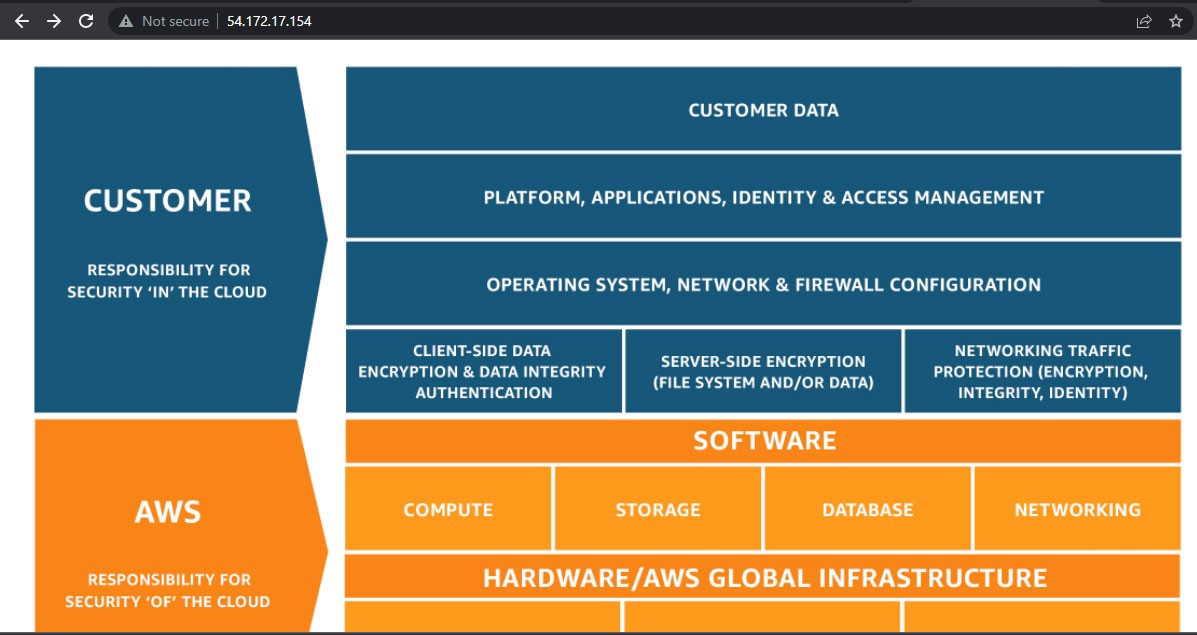
<img src="https://my-uniue-bucket-1.s3.amazonaws.com/Shared_Responsibility_Model_V2.59d1eccec334b366627e9295b304202faf7b899b.jpg"/>
]$ sudo systemctl start httpd
]$ sudo systemctl status httpd
● httpd.service - The Apache HTTP Server
     Loaded: loaded (/usr/lib/systemd/system/httpd.service; disabled; preset: disabled)
     Active: active (running) since Thu 2023-06-01 18:08:55 UTC; 17s ago
       Docs: man:httpd.service(8)
   Main PID: 26020 (httpd)
Now you can access your S3 object using the public IP of EC2 instance